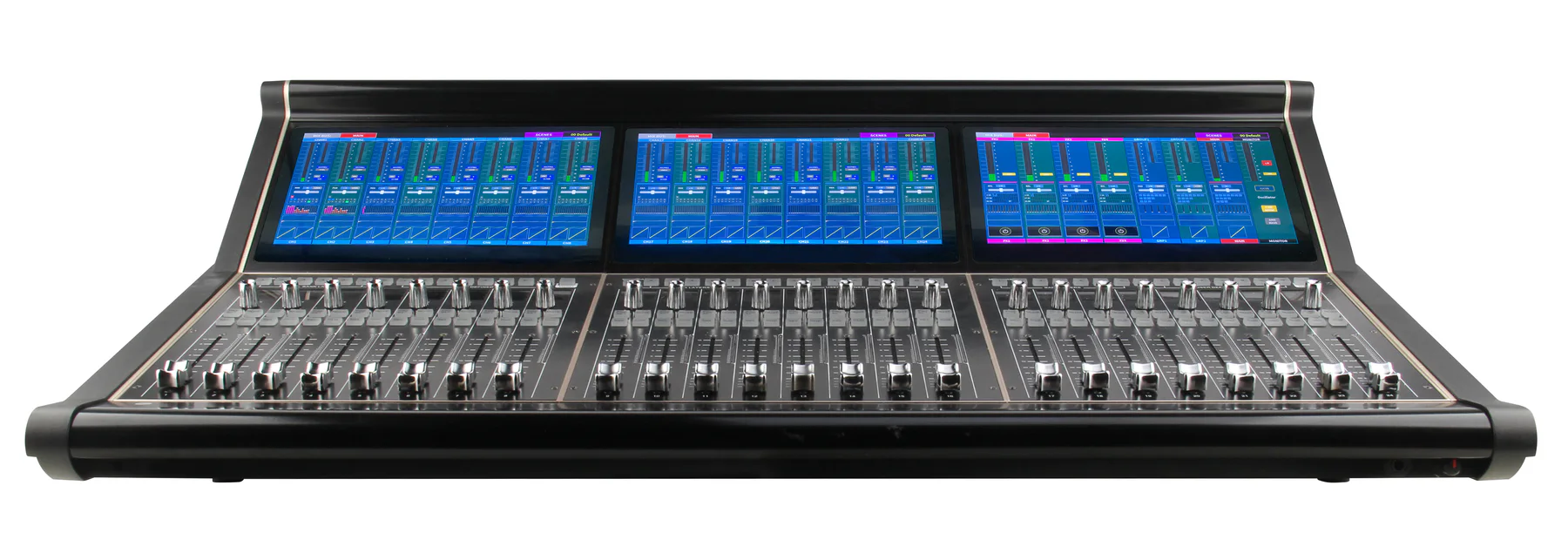
FlagshipDigital Mixers
MICKLE TT40 Digital Mixer
Large-format digital mixing console with a multi-display control surface for demanding live production workflows.
Large-format consoleMulti-display controlDigital workflow
View detailsProducts
Digital mixing surfaces and remote stagebox systems with flexible routing, scene workflows, and live control.
Showing 6 professional audio products
Large-format digital mixing console with a multi-display control surface for demanding live production workflows.
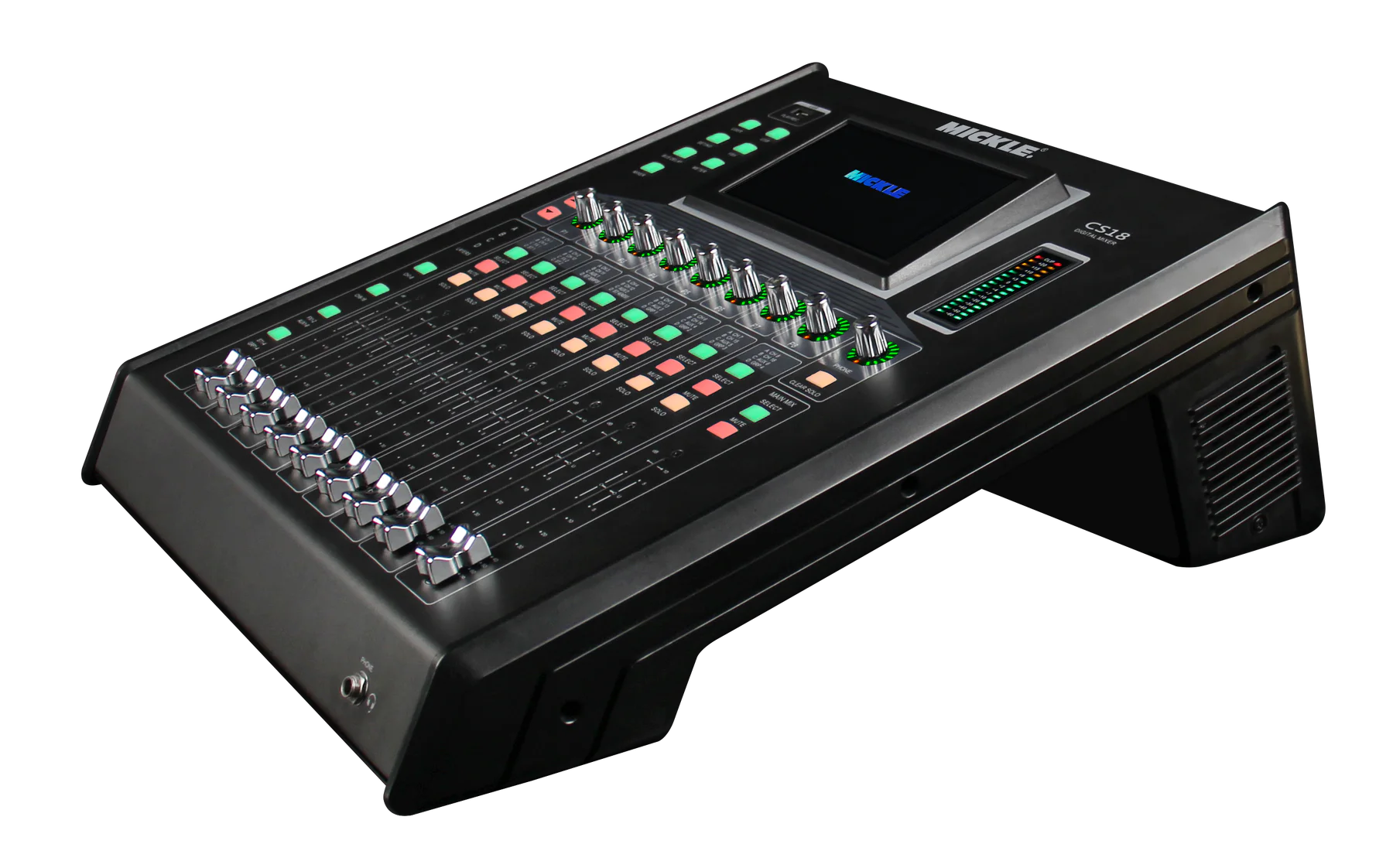
Compact 18-channel digital mixer with touchscreen control, illuminated channel workflow, and flexible live routing.
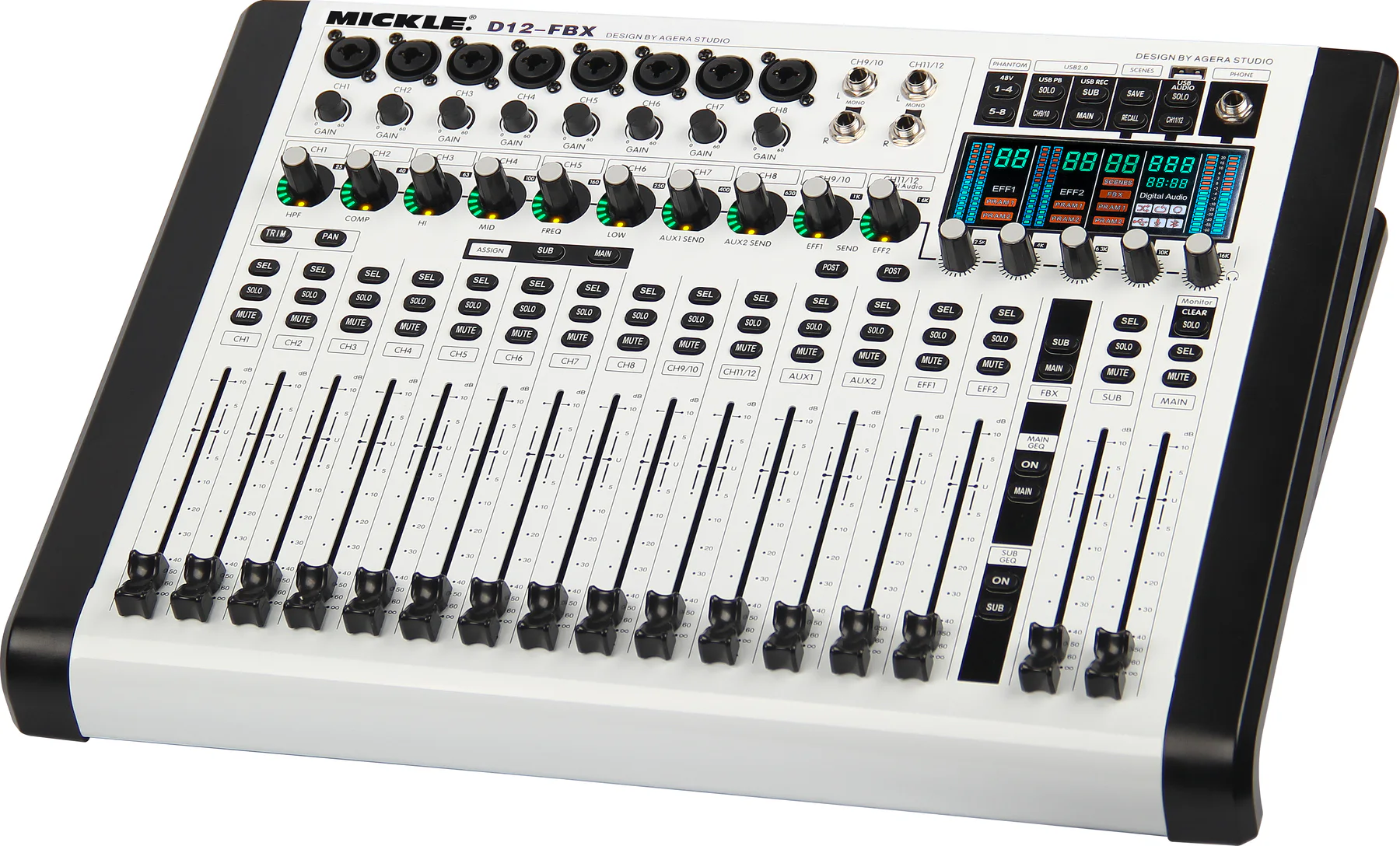
Compact white-finish digital mixer with 12-fader control, integrated touchscreen, and feedback-management workflow.
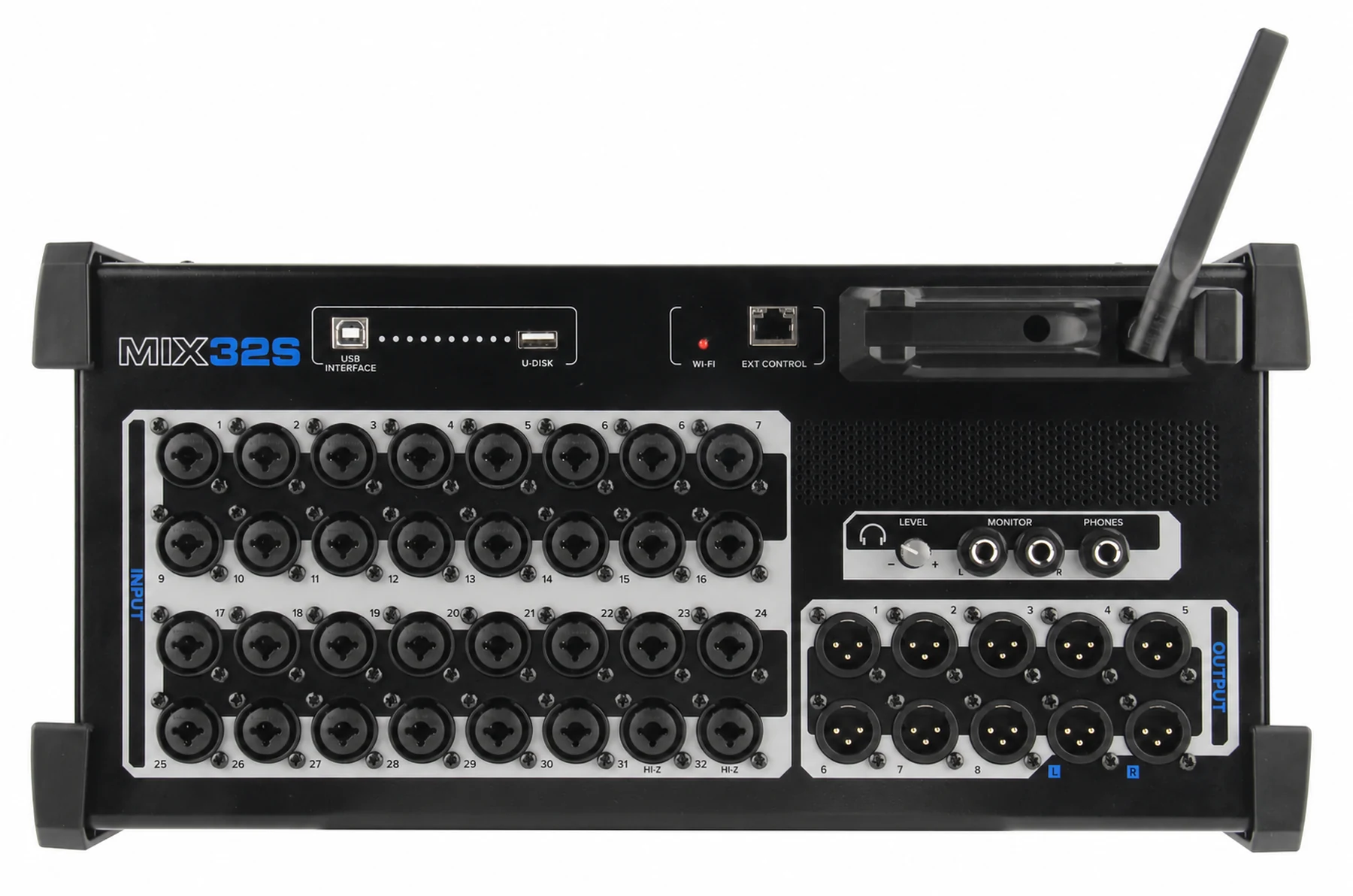
32-input digital stagebox with a rugged remote-I/O format for larger live sound and installation systems.
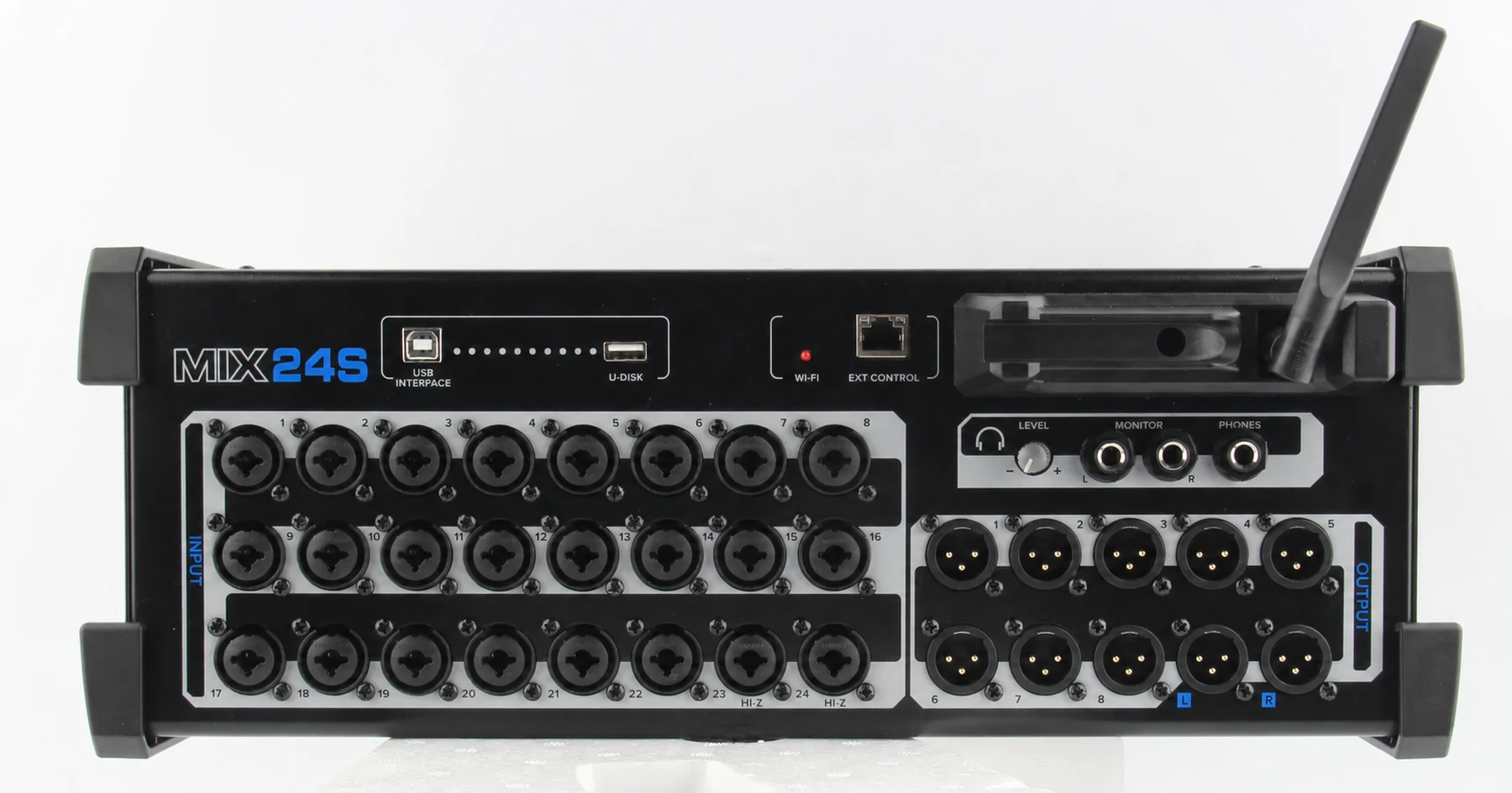
24-input digital stagebox for live venues, mobile production, and distributed digital audio systems.
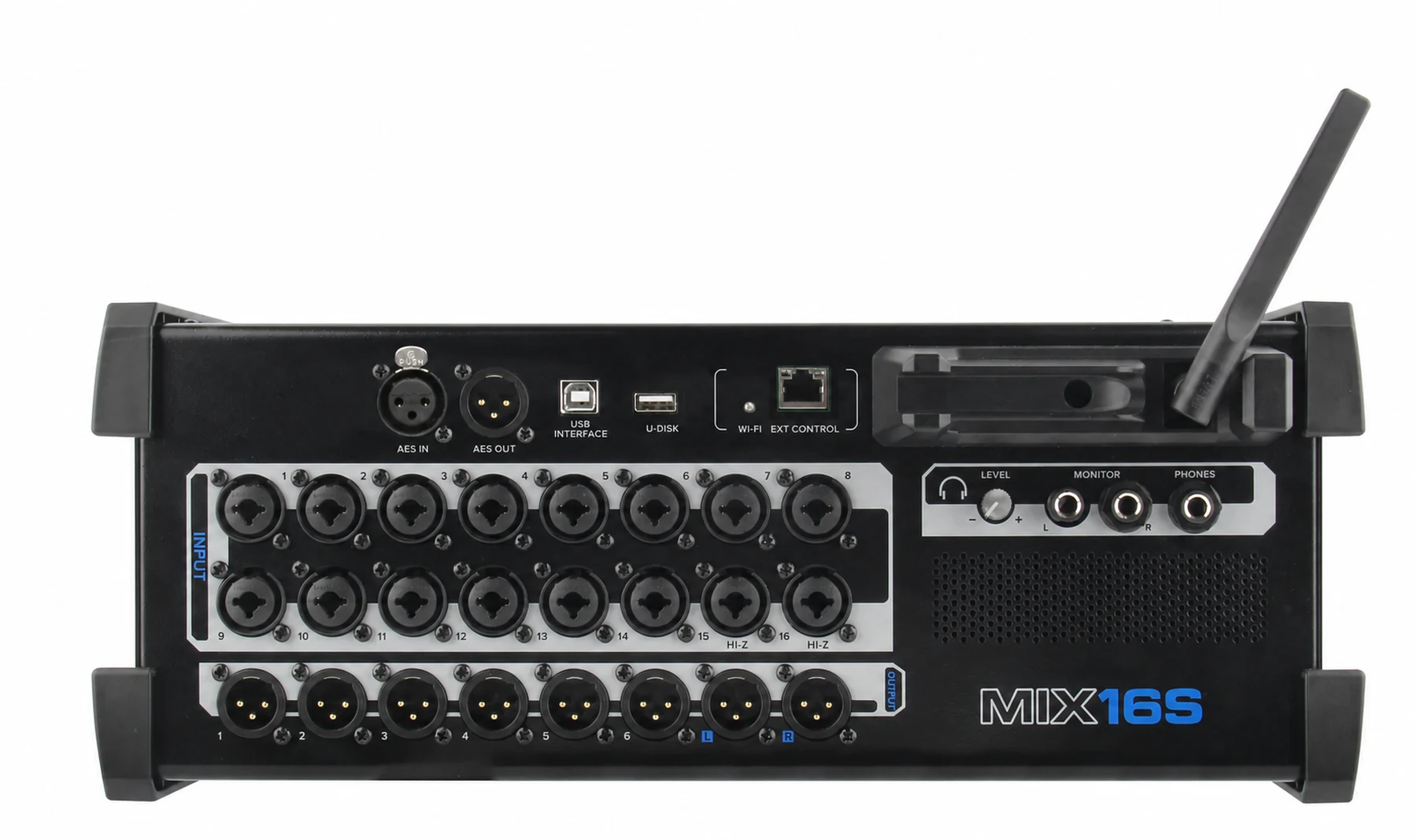
Compact 16-input digital stagebox for smaller stages, portable rigs, and flexible remote-I/O setups.
Compare digital mixing consoles, control surfaces and remote I/O by their roles in the complete system. A control surface is not automatically an audio input rack, and a stagebox needs a compatible connection and mixing platform. Product pages and interface previews help narrow the choices before technical compatibility is confirmed.